How to Set Your FortLocks Combination
Both FortLocks locks take a four-digit code you choose. Pick the lock you have below. Each takes under a minute once you know the moves.
Before you start, write your new code down. Neither lock has a key or a backup code, so a forgotten code keeps the lock shut.
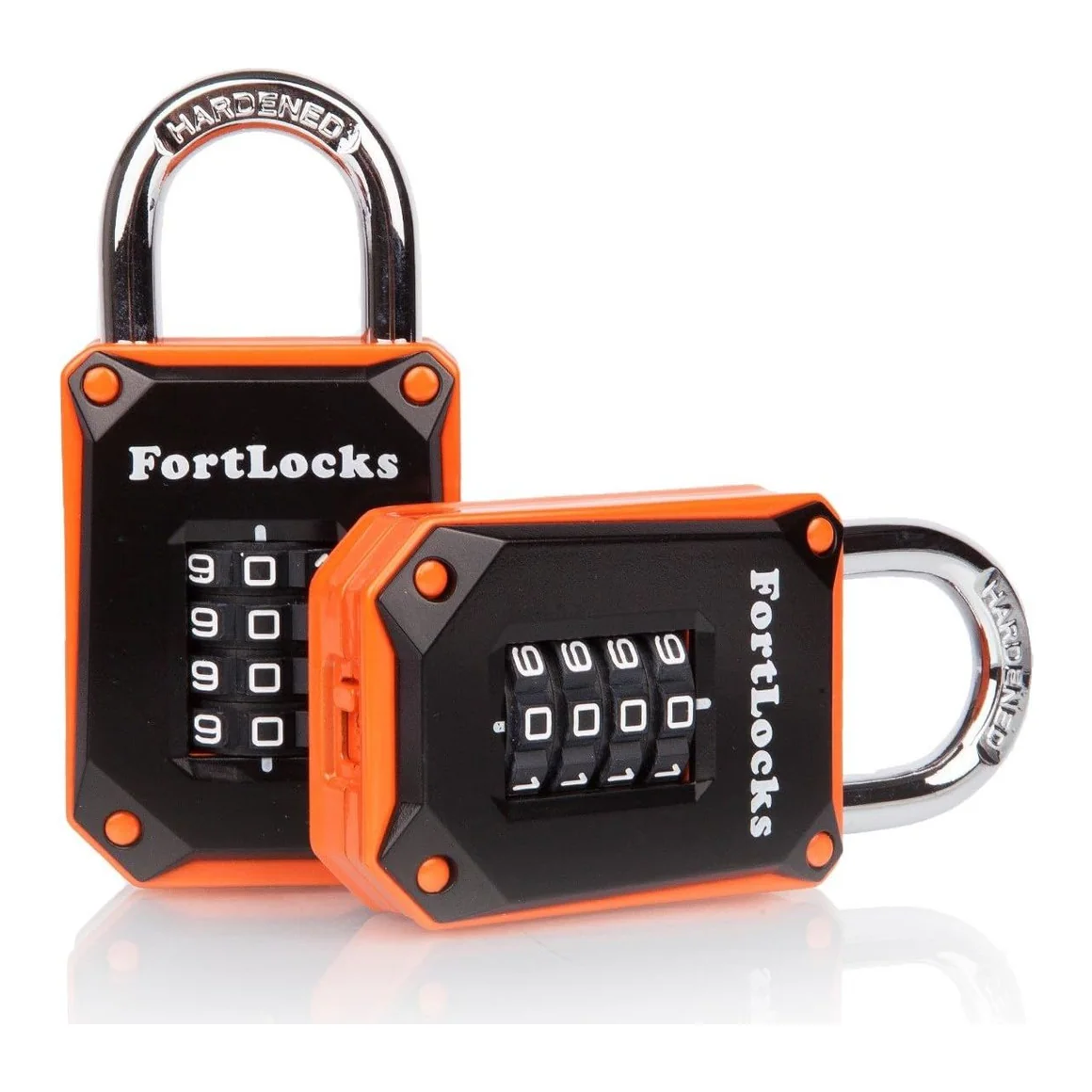
FortLocks Gym Locker Lock
- Open the lock with your current code and keep the shackle up.
- Find the reset switch on the bottom of the body. If a small cover plate is screwed over it, remove the screw and the plate.
- Slide the switch to SET.
- Turn the four front dials to your new code.
- Slide the switch back to OFF, replace the cover plate if your lock has one, and close the shackle.
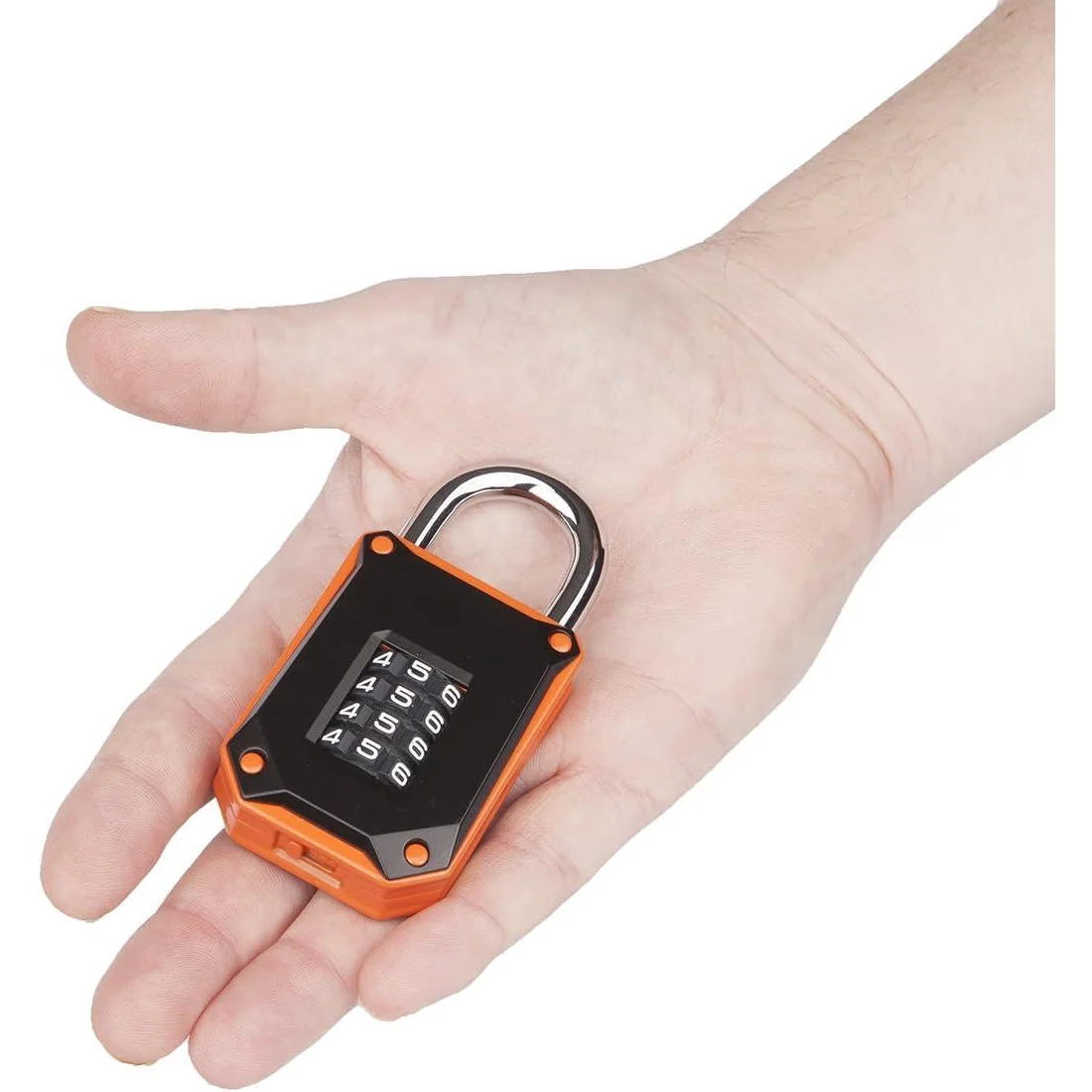
Which lock do you have?
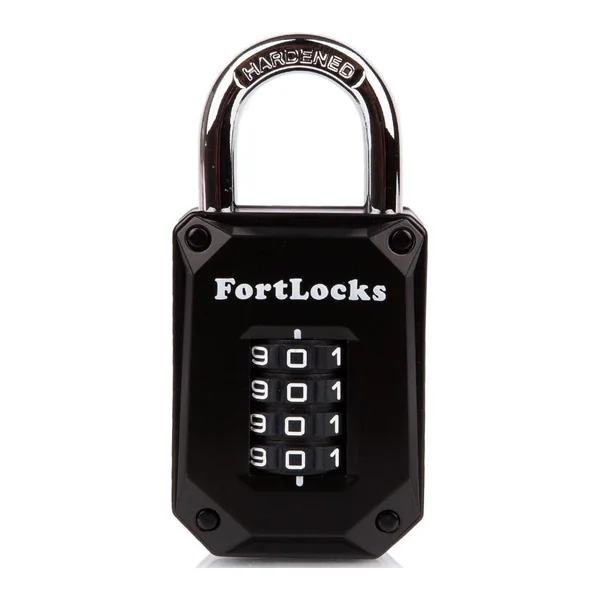
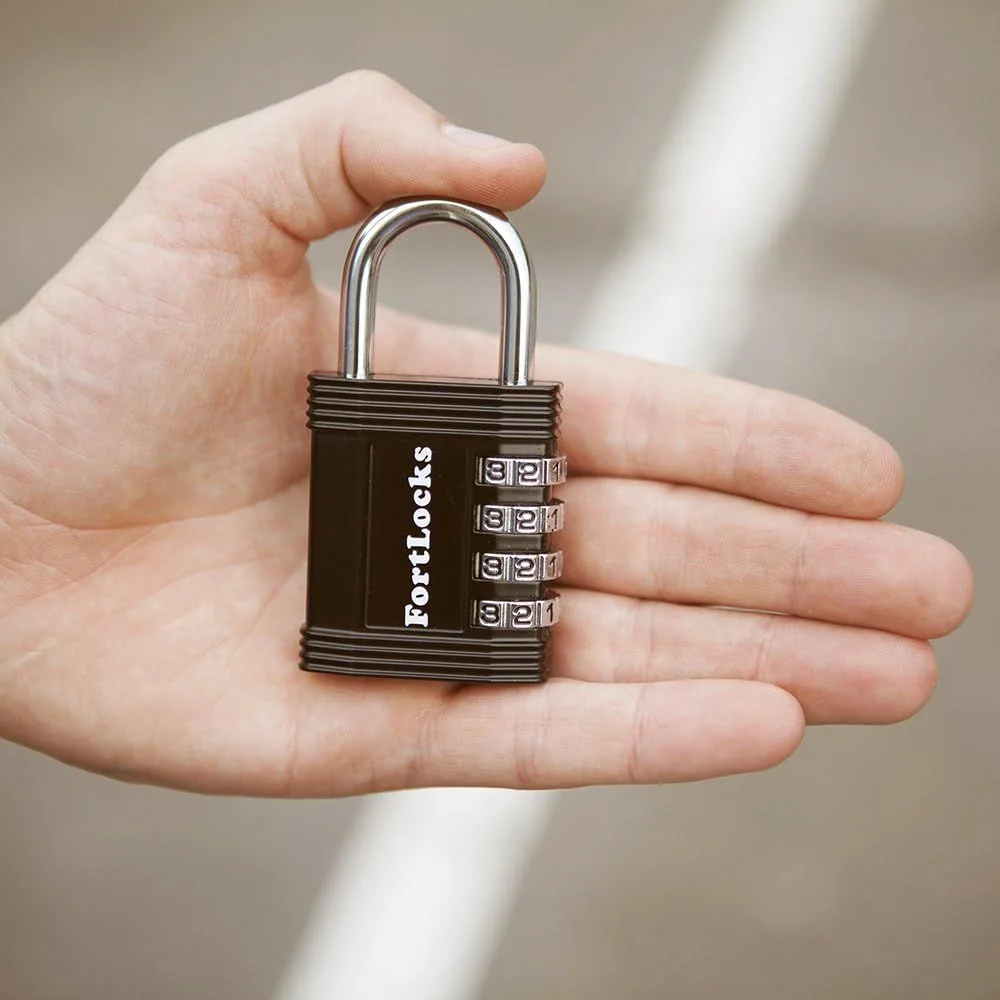
Front dials: the Gym Locker Lock. Side dials: the Combination Padlock.
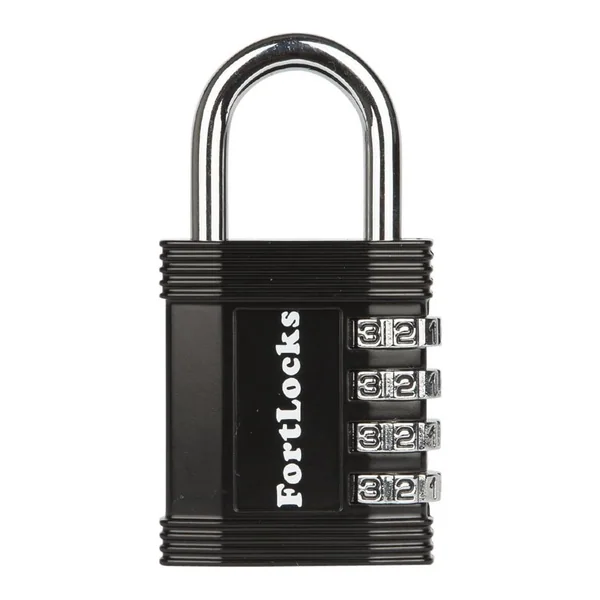
FortLocks Combination Padlock
- Line the dials up on your current code along the arrows. A new lock opens on 0-0-0-0.
- Pull the shackle straight up.
- Turn the shackle 90 degrees counterclockwise so it faces you.
- Push the shackle down into the body and turn it another 90 degrees counterclockwise.
- Roll the dials to your new code and write it down somewhere safe.
- Turn the shackle 180 degrees clockwise back to the start to lock the new code in.
If the lock will not open
The dials are on my code but the shackle stays down
Check that each digit sits squarely on the line, not half a click off. Roll each dial one step either way and try again. On the Combination Padlock, read the digits along the arrows on the body.
I set a new code and it did not take
On the Gym Locker Lock, the switch has to stay on SET while you turn the dials. On the Combination Padlock, the shackle has to be pushed all the way down before you turn in your digits. Open the lock with the old code and repeat the steps.
I forgot my code
There is no key and no backup code. Try the dates and numbers you tend to use. If none work, the lock has to be cut off, so a written note of every new code saves the trouble.